From Office Manager:
- Select Appointments

- Your schedule will be blank.
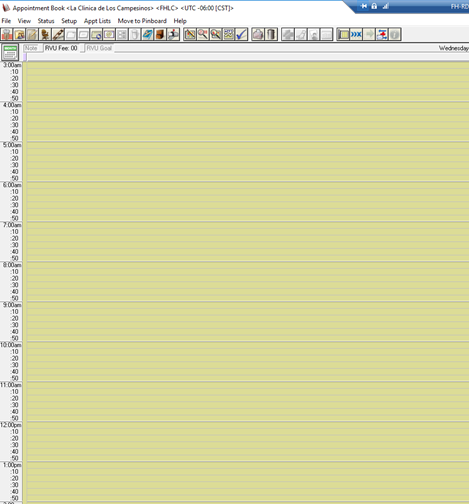
- Views that are shared with you will be available from the following:
- If you have no views email your site manager to share their views with you.
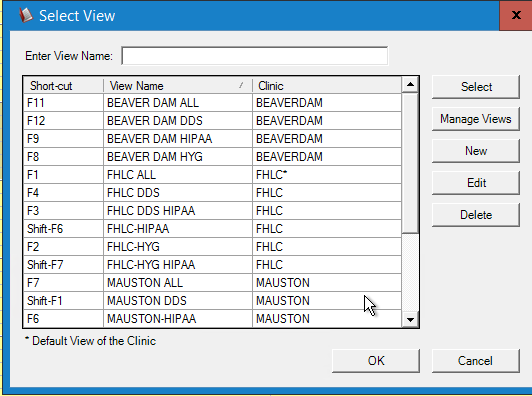
- Select View

- Select the View you would like to display by highlighting the View and Select Ok
- If you want to set one as your Default
- Select the view
- Select Edit
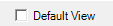
- Select Default View