
If you are only seeing this screen/pop-up:
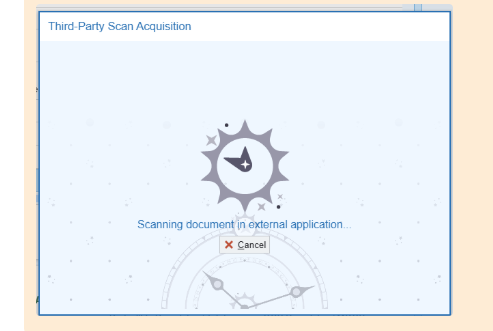
This is not an error; it simply indicates that Epic is launching the third-party scanning window. If you don’t see the window appear, it is likely opening behind the Epic application.
To resolve this issue, please follow these steps:
- Hover over the Epic icon on your taskbar to check if the scanning window is open.
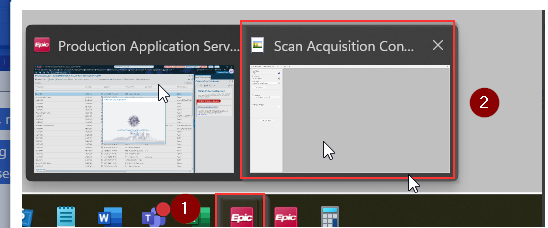
- If you locate it, right-click the window and select Maximize.
The scanning window shown in the screenshot may appear small or be difficult to notice on the taskbar.