
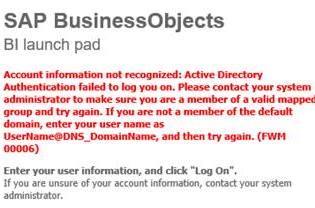
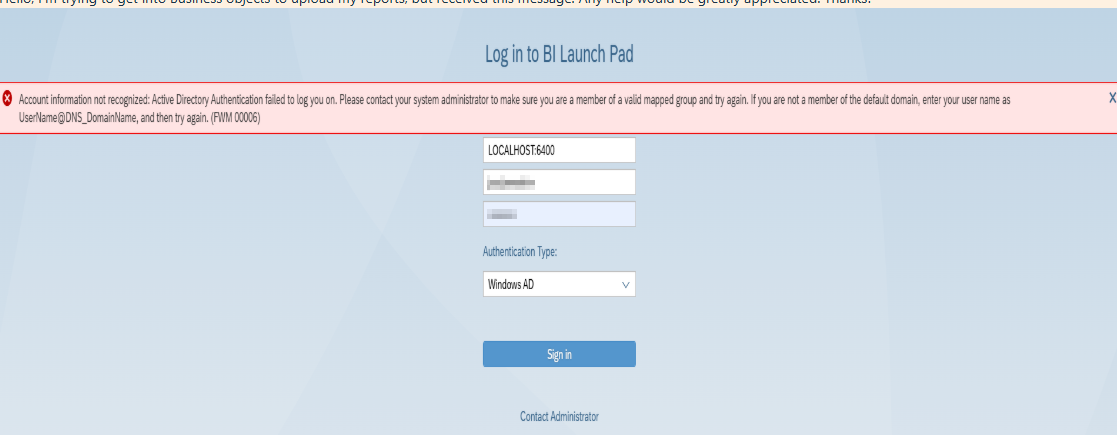
If you get the below error when logging into Business Objects you will need to reset your password:
Reset Clarity Password
If the user has a Clarity account already established and only needs to reset the password, log into the account using the link: https://accounts.ochin.info/apps-forgot-password
1. Select Reset Password.

2. Enter a New Password and Confirm.
3. Click Reset Password.

4. The Accounts Overview will confirm the Last Password Change date and time and when to expect the Expires on date.
5. The User Audit will also display the Reset Password action.

NOTE: This password is used in Financial Cubes, Remote, and Business Objects.
For Business Objects, password requirements;
The requirements are as follows:
-minimum of 8 characters
-lower case,
-capital letters
-numbers
-No Special Characters . Special characters have been known to cause issues for BO users.